Godfrey
I watched designers redraw live screens by hand, so I built a tool that reads a screenshot and rebuilds it in Figma from our design system.
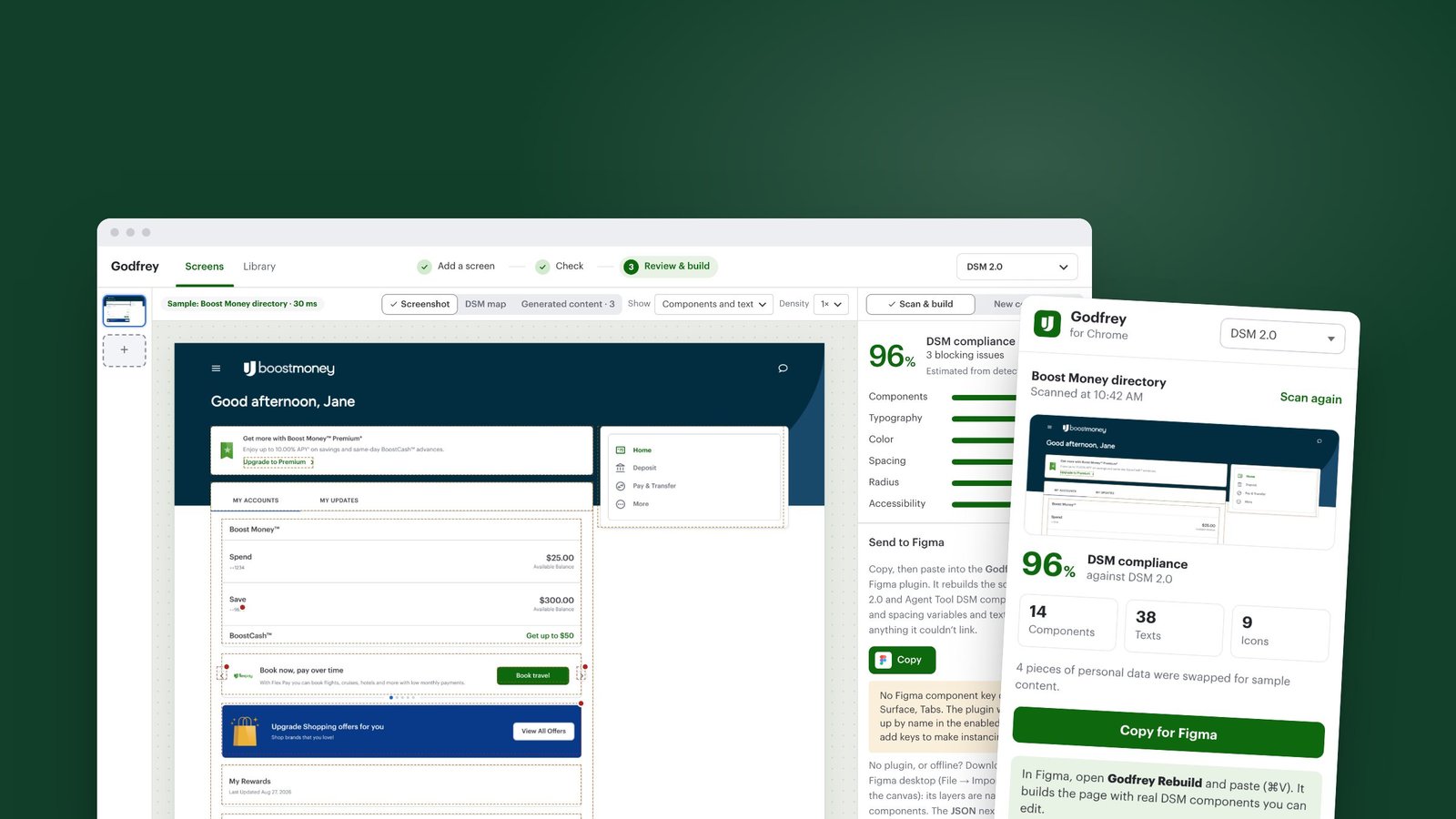
Overview
Godfrey turns a screenshot of a live screen into an editable Figma file built from real DSM 2.0 components. It tells you which component each element is, which tokens it uses, and what has drifted off the system. I designed it and built it myself with Claude, as a web app, a Figma plugin and a Chrome extension. It started as my 2026 hackathon project.
The real problem
On paper the problem was "we don't have Figma files for our live screens." When I sat with the team, I found the real cost was somewhere else: every change started with someone redrawing a screen from a screenshot and guessing which component, variant and token it used.
Nobody could say how far a screen had drifted from the design system, or whether a pattern really needed a new component. So the same questions came up in every review.
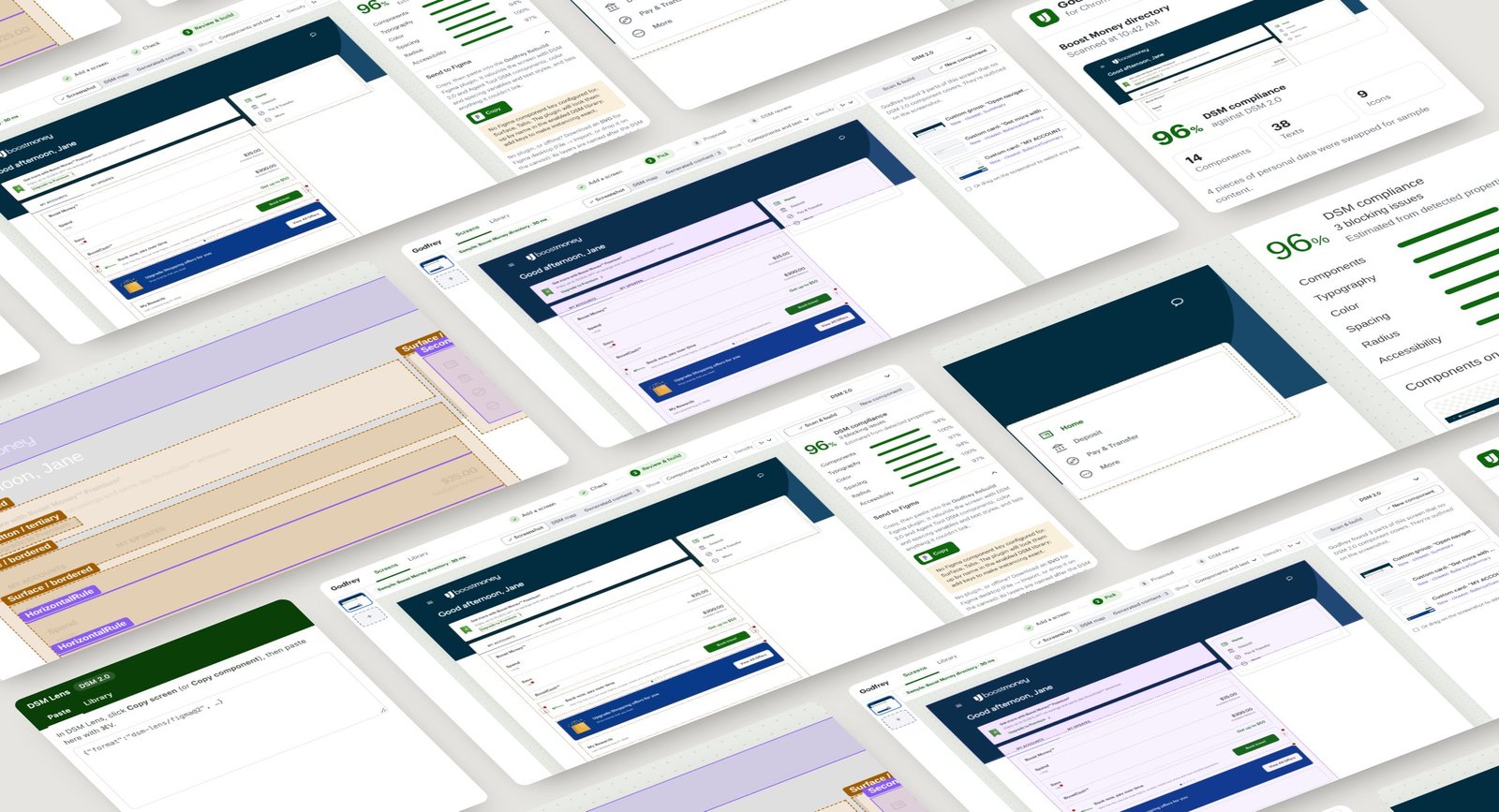
What good looked like
- Get from a screenshot to an editable, system-linked Figma screen in minutes
- Never invent a component: every match has to come from the real DSM
- Show drift as a score designers can act on, with fixes next to it
- Turn "this isn't in the DSM" into a proper component proposal
- Keep customer data out of it completely
How I solved it
Map the real workflow
I traced how a screen change actually moved: screenshot, redraw, DSM lookup, review, rework. Most of the time went into the redraw and the guessing, so that is where I aimed.
Let AI see, not decide
The vision model only describes what is on screen: boxes, text and rough styles. A separate matcher picks components, using only the DSM, so it can't make one up.
Trust the pixels
Colours are sampled from the real image instead of estimated by the model. Long pages are split into overlapping sections and stitched back together.
Show how sure it is
Matches of 90% or more map automatically. From 70% to 89% they map but ask you to confirm. Below that, Godfrey shows the three closest components and how they differ.
Build, test, repeat
I built it with Claude, tried it on real screens with the team, and treated every wrong match as the next thing to fix.
What I built
Scan & build
Click any element to see its DSM component, variant, typography, colour tokens, spacing and issues. With nothing selected you get the compliance score and every component on the screen.
Build in Figma
A four-step panel (Connect, Check, Build, Done) places real DSM instances and binds colours, spacing and text styles, then checks its own work and fixes what failed.
New component workflow
It outlines anything no DSM component covers, compares it with the closest ones, and drafts a proposal with variants for DSM review.
Godfrey for Chrome
Scan a page straight from the browser and paste it into Figma, with no screenshot needed.
Privacy built in
Personal data on internal screens is swapped for sample content before anything is read, and screenshots are never stored.
Key decisions
- I kept the AI away from naming components. Letting it only describe the screen made the output trustworthy enough to build on.
- Uncertain matches stay visible, so designers always know exactly what to double-check.
- Spacing within 2px of a DSM value snaps to the token. Anything the DSM doesn't have keeps its real value and is flagged, never quietly changed.
- I made an offline demo version, so I could show Godfrey anywhere without keys, setup or a network.
Outcome
- A redraw, a DSM lookup and a manual audit became one workflow
- Screens arrive in Figma with real components, variables and text styles, plus a list of anything not linked
- Gaps in the design system come in as structured proposals instead of one-off components
- It grew from a hackathon project into a web app, two Figma plugins and a Chrome extension
What I learned
With AI tools for designers, trust is the feature. Being honest about how sure the tool is mattered more than adding more automation.
Credits
- Role
- Product designer & builder
- Company
- Upgrade, Inc.
- Year
- 2026
- Platform
- Web app · Figma plugin · Chrome extension
- Built with
- React, TypeScript, Node, Claude API, Figma Plugin API
Got a project?
let's talk
Bringing AI into your team's workflow, or designing a product people love? Let's find the real problem first.
Get in touch