Upgrade Design Toolkit
Small chores were eating hours of every project, so I bundled the fixes into one Figma plugin the team uses every day.
Overview
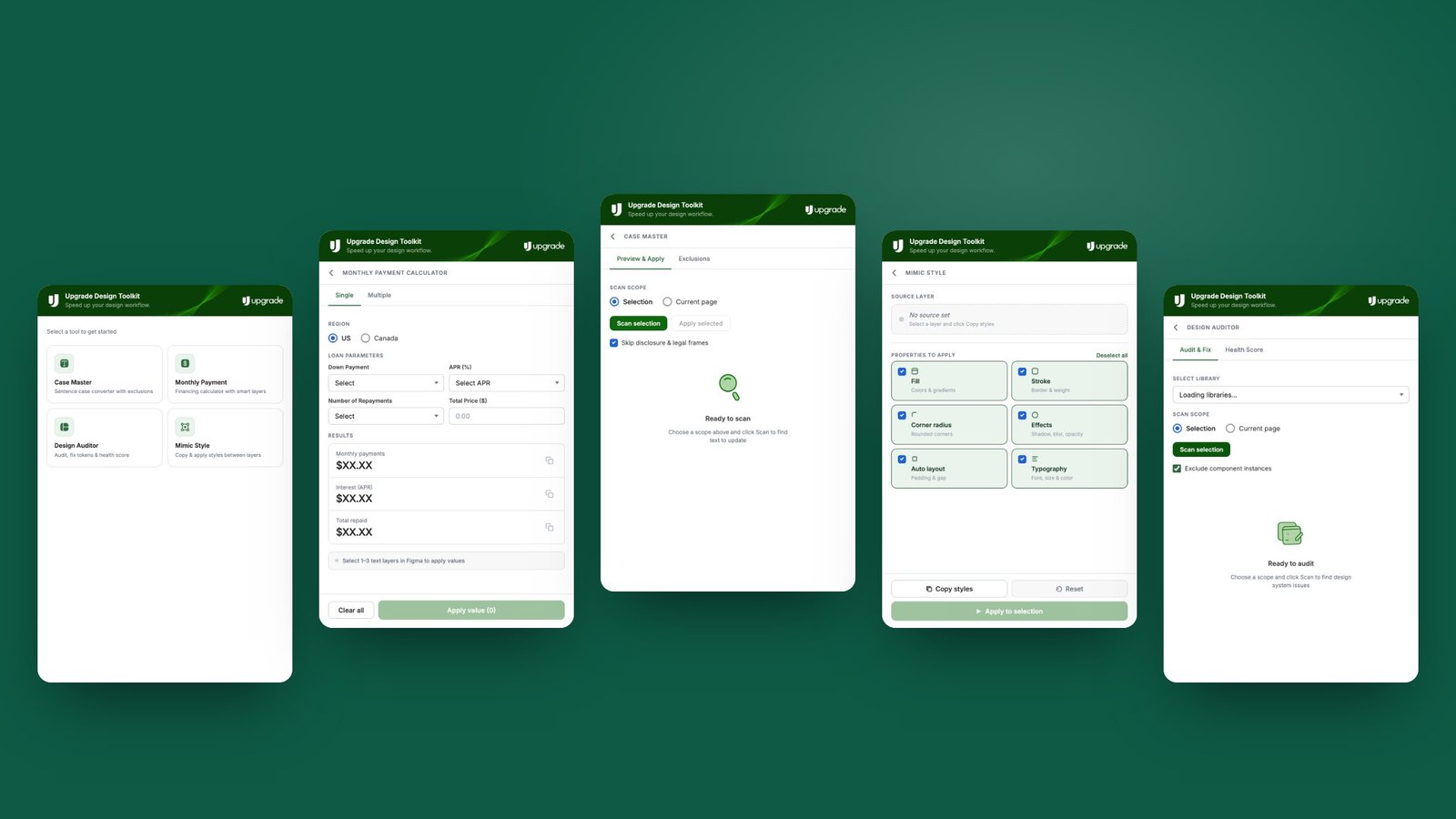
An internal Figma plugin for the Upgrade design team, published to the organisation and improved over several releases up to version 5.0. It brings the most repetitive jobs into one place: Case Master for sentence case, a Monthly Payment calculator, a Design Auditor and Mimic Style.
The real problem
I tracked where my own time went on a typical project. Much of it went on small, repeated jobs: fixing title case across a file, working out financing figures for every price in a mock-up, and checking consistency by eye.
Each job was small, but together they slowed every project. And a wrong payment figure in a fintech mock-up is a compliance risk, not just a typo.
What good looked like
- One plugin and one design language for every chore
- Accurate financing maths without a spreadsheet
- Safe bulk edits, with exclusions and undo
How I solved it
Fix one chore first
It started as a standalone pricing calculator using the standard loan payment formula, applied straight to selected text layers. That became the pattern for the rest.
One shell for everything
Each new chore became a tile on one home screen, with the same header, scope controls and status messages.
Protect the legal copy
Case Master skips disclosure and legal frames, and keeps a list of words that are never lowercased.
What I built
Case Master
A sentence-case converter with preview, exclusions and undo.
Monthly Payment
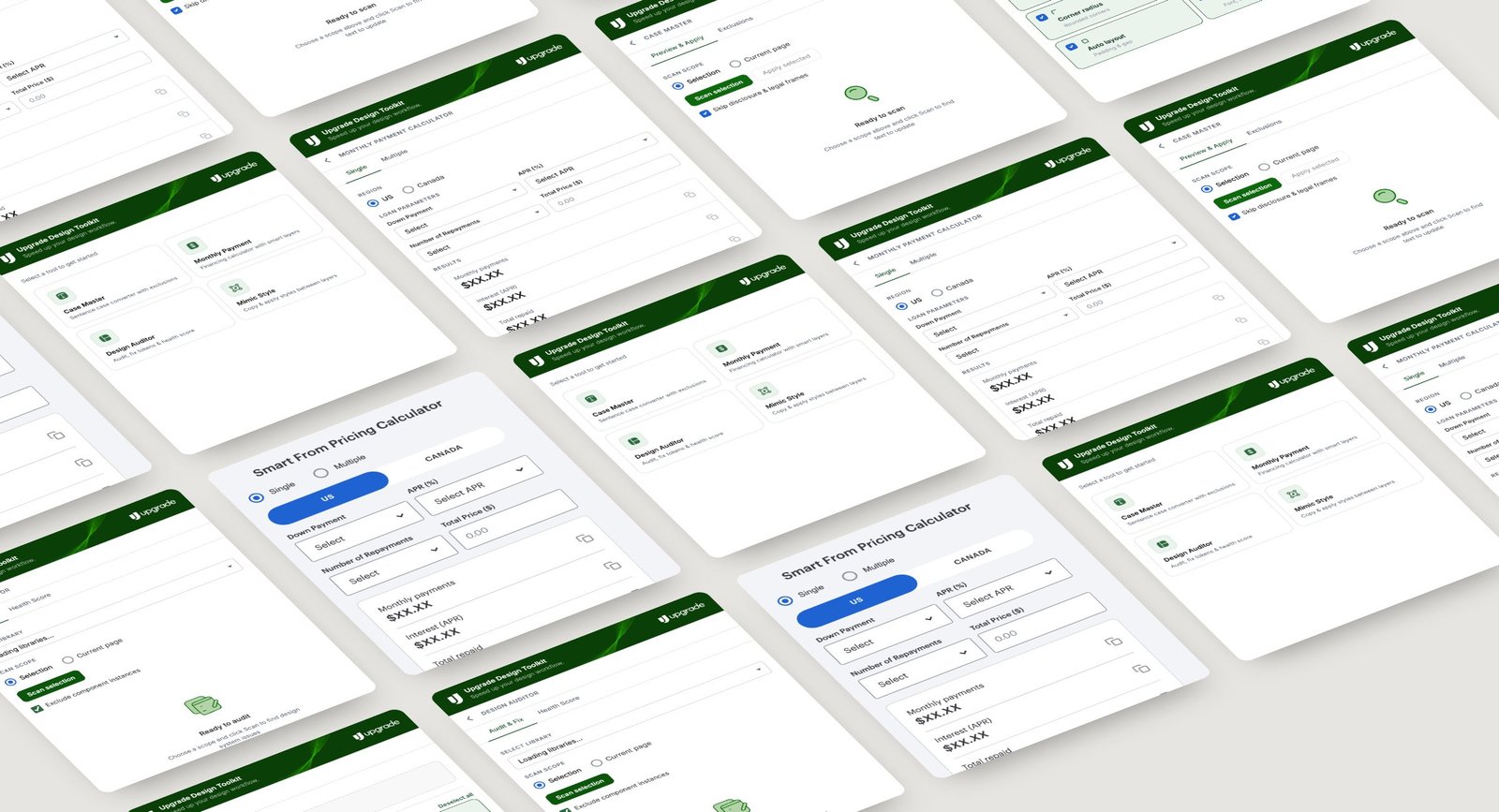
Single or multiple prices for the US and Canada, zero down or with a down payment, APR presets and 3 to 60 repayments, applied straight to text layers.
Design Auditor
Audits a file, fixes tokens and gives it a health score.
Mimic Style
Copies fill, stroke, radius, effects, auto layout and typography from one layer to many.
Key decisions
- One plugin instead of many: designers remember one shortcut, and every tool feels the same.
- Legal and disclosure frames are skipped by default, because a careless bulk edit is worse than no tool at all.
Outcome
- Daily chores went from many manual steps to one click each
- Payment figures in mock-ups come from one tested formula instead of ad-hoc maths
- Published and adopted as the team's shared toolkit, with regular releases
What I learned
Internal tools work when they disappear into the routine. Consistency between tools mattered more than any single feature.
Credits
- Role
- Product designer & builder
- Company
- Upgrade, Inc.
- Year
- 2025 – 2026
- Platform
- Figma plugin (published to the org)
- Built with
- Figma Plugin API, TypeScript
Got a project?
let's talk
Bringing AI into your team's workflow, or designing a product people love? Let's find the real problem first.
Get in touch